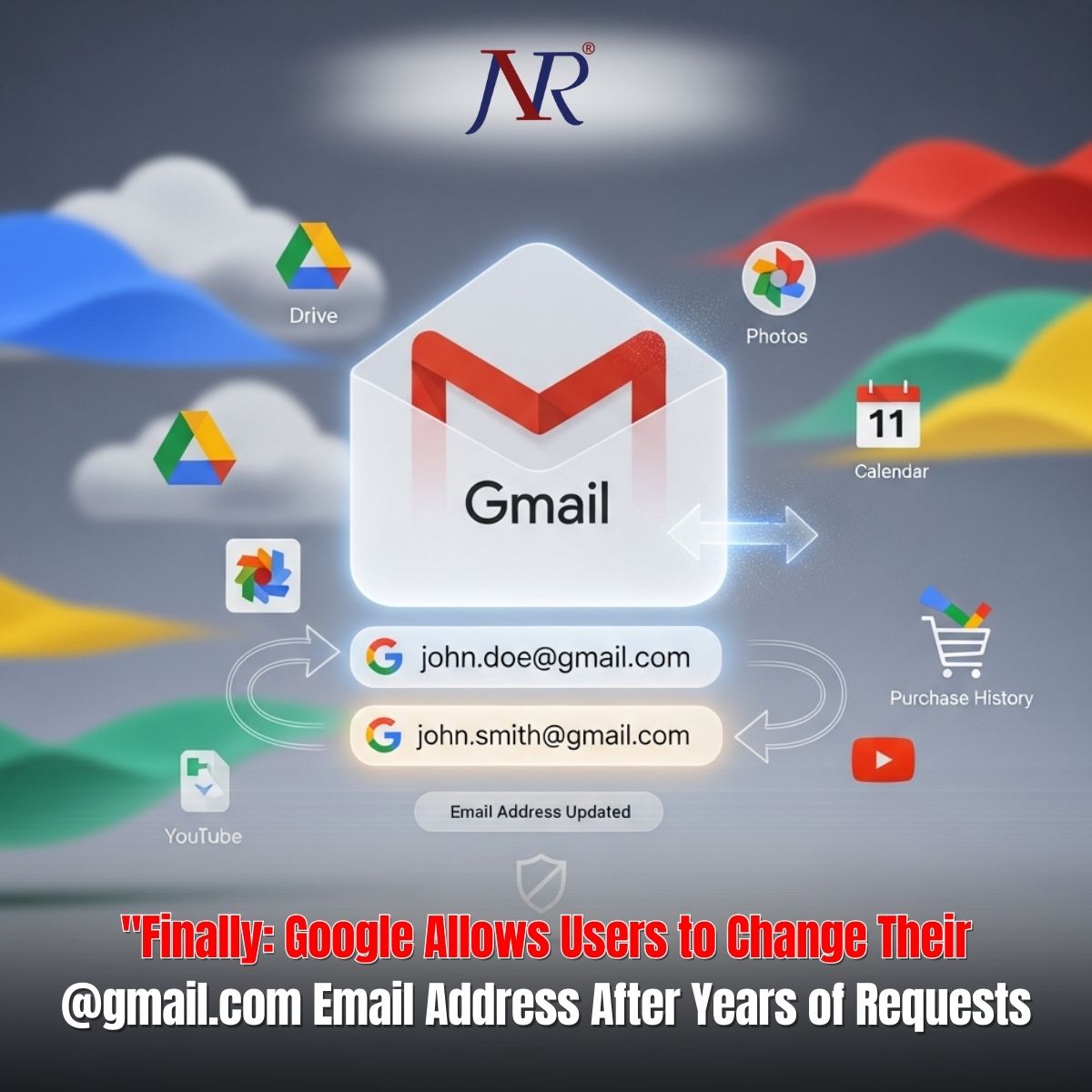
Google has announced a significant policy shift that addresses one of the longest-standing user frustrations in the Gmail ecosystem: the inability to change a @gmail.com email address without creating an entirely new account. The company is gradually rolling out a feature enabling users to change their primary Gmail address to a completely new @gmail.com address while retaining all account data, purchase history, and digital assets. The feature, initially spotted in Hindi-language support documentation, represents a major departure from decades of policy treating Gmail usernames as permanent and immutable identifiers.
For nearly two decades, Gmail users have struggled with email addresses created during adolescence—embarrassing handles, typos, or simply names no longer reflecting personal or professional identity. Users who signed up during Gmail's exclusive invitation-only period faced permanent branding with choices made when email felt temporary and inconsequential. Competitive platforms like Outlook and Proton have long enabled address changes; Gmail's inflexibility appeared intentional rather than technical.
This constraint forced users into impossible choices: either maintain an outdated or unprofessional email address or create a new account, manually migrating years of accumulated data, photos, messages, and digital purchases—a process so onerous that most users simply accepted email regret.
Google's solution converts the email change from a destructive operation to a non-disruptive identity update. When users change their @gmail.com address, the original address automatically converts into an alias rather than deletion:
Continuity Preserved: Both old and new addresses function identically. Users receive emails at both addresses in the same inbox and can sign in using either address.
Data Integrity: All stored data remains completely untouched—Google Drive files, Google Photos, messages, email history, YouTube activity, and purchase history continue functioning without modification.
Reversibility: Users can revert to their original address at any time, offering escape route options if professional circumstances change or new addresses prove problematic.
Third-Party Integration: Existing "Sign in with Google" integrations and Chromebook/Chrome Remote Desktop configurations continue functioning, though users may need to re-authenticate in some scenarios.
Google implemented specific restrictions preventing address-change abuse while maintaining user flexibility:
12-Month Intervals: Users cannot change their email address more frequently than once per 12-month period, preventing rapid cycling that could confuse contacts or exploit platform features.
Lifetime Limit: Each account can change its @gmail.com address a maximum of three times, providing four total addresses per account lifetime (original plus three changes).
Alias Permanence: Users cannot delete their original address—it remains permanently theirs and cannot be reassigned to other users, preventing identity hijacking or reuse attacks.
Old Address Persistence: The original email address continues appearing in some legacy systems, such as calendar events created before the change, acknowledging technical limitations in retroactive system updates.
The feature is currently rolling out gradually, with initial availability in India based on Hindi-language support documentation publication. Users can check eligibility by navigating to myaccount.google.com/google-account-email and looking for a "Change your Google Account email address" button in the Personal Information section.
Google Workspace accounts managed by schools, workplaces, or organizations cannot change addresses without administrator approval, maintaining organizational email governance.
Online communities have responded enthusiastically, with Reddit and social media users expressing relief at finally addressing decades-old frustrations. However, cybersecurity experts warn that address-change capabilities create social engineering opportunities. Threat actors may exploit the feature to target accounts for takeover by compromising credentials and changing associated email addresses, complicating account recovery.
Google users should implement robust account security practices including strong, unique passwords, multi-factor authentication, and recovery phone numbers independent of potentially compromised email addresses before initiating changes.
The feature represents user experience evolution acknowledging that digital identity changes are legitimate business requirements deserving platform support rather than friction.